RMM software
RMM (remote monitoring and management) software lets IT teams and managed service providers monitor, patch, automate and support many endpoints from one console. This page compares RMM platforms by feature set, pricing model and intended user, with a link to each vendor’s official site. Because an RMM agent runs with high privileges on every managed machine, the security of the platform itself counts for as much as its features. Nothing is hosted here.
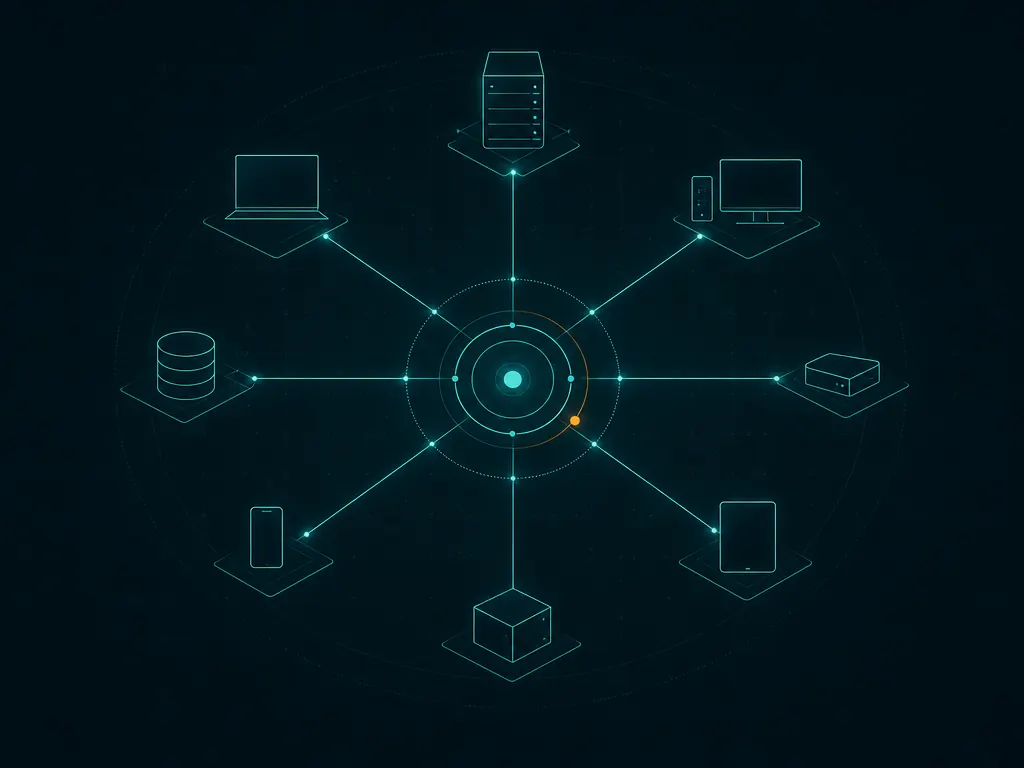
5 RMM tools compared
Ordering is by category relevance, not by any commercial arrangement — see our methodology. 0 of 5 are open-source.
| Tool | Vendor | License | Best for | |
|---|---|---|---|---|
| Atera | Atera | Commercial | RMM, PSA and remote access in a single platform for IT teams and MSPs — patching, automation, ticketing and billing included — priced flat per technician with unlimited devices. Free trial. | Details |
| NinjaOne | NinjaOne | Commercial | Endpoint management and RMM from one console — monitoring, patching, remote access and automation — for IT teams and MSPs. Commercial and quote-based, usually priced per device; free trial. | Details |
| Lansweeper | Lansweeper | Commercial | Agent and agentless discovery that inventories everything on the network — devices, servers, cloud, OT and users — into one trusted record of hardware, software and licences. Commercial, with a free tier for a limited number of assets. | Details |
| Syncro | Syncro | Commercial | RMM and PSA in one tool for MSPs — monitoring, scripting, patching, ticketing and billing together — priced flat per technician with unlimited endpoints. Free trial. | Details |
| Action1 | Action1 | Commercial | Cloud-native patch management and remote monitoring with no servers of your own to run. Free for your first 200 endpoints with every feature included — one of the more generous free tiers for small fleets. | Details |
What to look for
- RMM vs RMM+PSA
- Pure RMM centres on monitoring and management; combined RMM+PSA platforms fold in ticketing, billing and client management for MSPs. In-house IT often needs only the RMM half.
- Patch management
- Automated OS and third-party patching is a core reason teams take on an RMM — look at OS coverage, the third-party app catalogue and how much control you get over scheduling and reboots.
- Remote access
- Built-in remote control for unattended support saves juggling a separate tool. Check session logging, consent prompts and multi-factor access.
- Automation & scripting
- Scripts, policies and scheduled tasks are what let one technician manage many endpoints. Weigh the size and quality of the automation and script library.
- Security of the platform
- The agent is a high-value target. Favour vendors with mandatory MFA, role-based access, detailed audit logs and a clear record of securing their own infrastructure.
- Pricing model
- Per-technician pricing (Atera, Syncro) suits teams with many devices per admin; per-device or quote-based pricing suits small fleets. Work out your own device-to-admin ratio first.
Free-tier RMM tools
Most RMM platforms are commercial subscriptions, but a few run a genuine free tier for small fleets. Action1, for instance, is free for the first 200 endpoints with no feature limits — enough for a small business or a home lab at no cost. The rest offer trials, usually 14 to 30 days. Confirm current limits on each vendor’s site.
Common questions
What is RMM software?
RMM (remote monitoring and management) software is what IT departments and MSPs use to remotely watch endpoints, apply patches, run scripts and deliver support across many devices from one central console.
What is the difference between RMM and network monitoring?
Network monitoring is about the availability and performance of infrastructure, and raising alerts. RMM is broader: on top of monitoring it adds remote control, patching, automation and — in MSP-oriented tools — ticketing and billing, to actively manage endpoints.
Is there free RMM software?
Fully free, unlimited RMM is rare, but several vendors offer a free tier or extended trial for a capped number of endpoints. Action1 is free for the first 200 endpoints; confirm current limits on the vendor site, since they change.
What is the difference between RMM and PSA?
RMM covers the technical side — monitoring, patching, remote access and automation. PSA (professional services automation) covers the business side — ticketing, time tracking, billing and client management. Some platforms bundle both.
How is RMM priced — per technician or per device?
Both models are out there. Per-technician pricing (Atera, Syncro) is a flat fee per admin with unlimited devices, which favours teams managing many endpoints each. Per-device or quote-based pricing (common with NinjaOne and others) scales with the fleet and can work out cheaper for small device counts. Nail down your device-to-technician ratio before you compare quotes.
Is RMM software a security risk?
It can be. Because the agent runs with administrative rights on every managed endpoint, a compromised RMM platform or account is a straight path to every device — attackers have abused RMM tools in real incidents. Reduce the exposure with mandatory multi-factor authentication, least-privilege technician roles, audit logging and prompt patching of the RMM itself.